
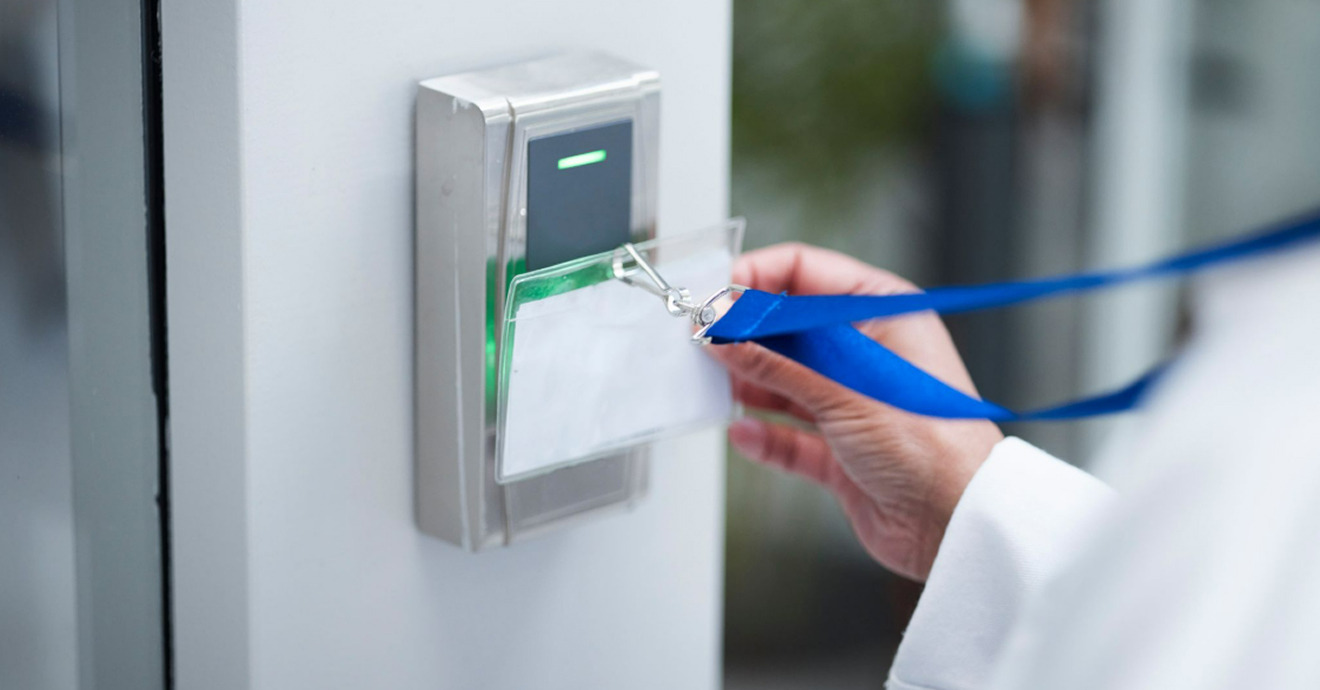
Introduction
Every organisation has areas, assets, and information that require controlled access. Managing who can enter and what they can access is a fundamental part of maintaining security. This is where access control systems come in.
Today’s access control systems go far beyond traditional locks and keys. They help organisations manage access, track activity, and strengthen security. In this article, we’ll explore how they work and the different options available.
What is an Access Control System?
An access control system is a security solution used to manage who can access a building, area, or resource. By using credentials such as access cards, PINs, mobile devices, or biometrics, the system verifies identities and grants or denies access based on predefined permissions.
Beyond controlling entry, modern systems provide centralised management, activity monitoring, and audit trails. Many can also integrate with CCTV, visitor management, and alarm systems, helping organisations strengthen security while maintaining greater visibility over their premises.
Components of an Access Control System
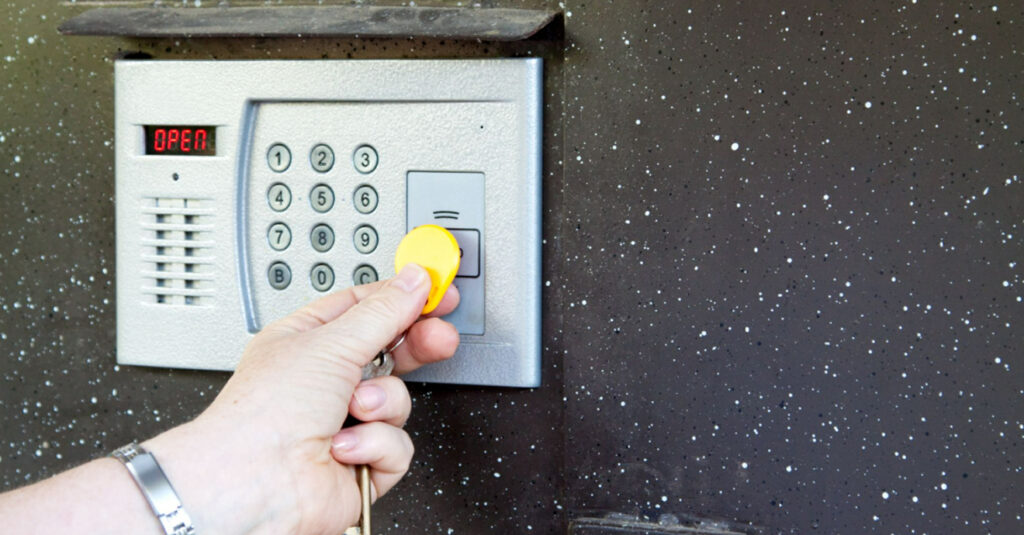
To better understand how access control systems operate, let’s first look at the core components involved:
- Credentials: The method used to verify a person’s identity, such as an access card, key fob, PIN, mobile credential, or biometric scan.
- Entry Readers: Devices installed at access points that read and verify credentials. Common examples include card readers, keypads, and biometric scanners.
- Access Controller: The system’s decision-making unit. It receives information from readers, verifies permissions, and determines whether access should be granted or denied.
- Locking Hardware: The physical locking mechanism that secures an entry point. Examples include electric strikes, magnetic locks, and smart locks.
- Access Management Software: The platform used to manage users, configure permissions, monitor activity, and review access logs. It can be hosted on-site or in the cloud.
- Request-to-Exit (REX) Devices: Allow a person to exit a secured area without presenting a credential. Typically, a motion sensor or push button mounted near the door on the inside, it signals the controller to release the lock so the door can open without triggering an alarm.
- Door Position Switches (DPS): Monitor whether a door is open or closed. They alert the system when a door is held open longer than permitted or forced open without a valid credential.
- Emergency Break-Glass Units: Fail-safe devices that allow immediate manual release of a locked door in an emergency. Breaking the glass triggers the lock to disengage, prioritising life safety over access restriction. They are typically required by fire safety regulations at designated exit points.
How Does Access Control Work?
Every access control interaction follows these core steps:
1. Present a Credential
A user presents a credential, such as an access card, PIN, mobile credential, or biometric scan, at an access point.
2. Verify Identity and Permissions
The reader sends the credential data to the access controller, which verifies that the credential is valid and checks whether the user has permission to access that specific area at that time.
3. Grant or Deny Access
If the credential is valid and the user has the required permissions, the controller instructs the locking hardware to unlock the door. If either check fails, access is denied.
4. Record the Event
Every access attempt, whether successful or unsuccessful, is automatically logged with a timestamp. These records create an audit trail that helps organisations monitor activity, investigate incidents, and maintain visibility over who is on-site.
Importance of Access Control for Compliance
- Regulatory Compliance: Many regulations and industry standards require organisations to control who can access sensitive facilities, systems, and information.
- Audit Trails: Every access attempt is recorded, creating a clear history of who entered a specific area and when.
- Accountability: Access records help organisations investigate incidents, verify security procedures, and demonstrate that access controls are being followed.
- Data Protection: Restricting access to authorised personnel helps protect sensitive information, intellectual property, and other critical assets.
- Audit Readiness: Detailed access logs provide evidence that security measures are in place and can support audits, inspections, and compliance reviews.
The Operational Types of Access Control
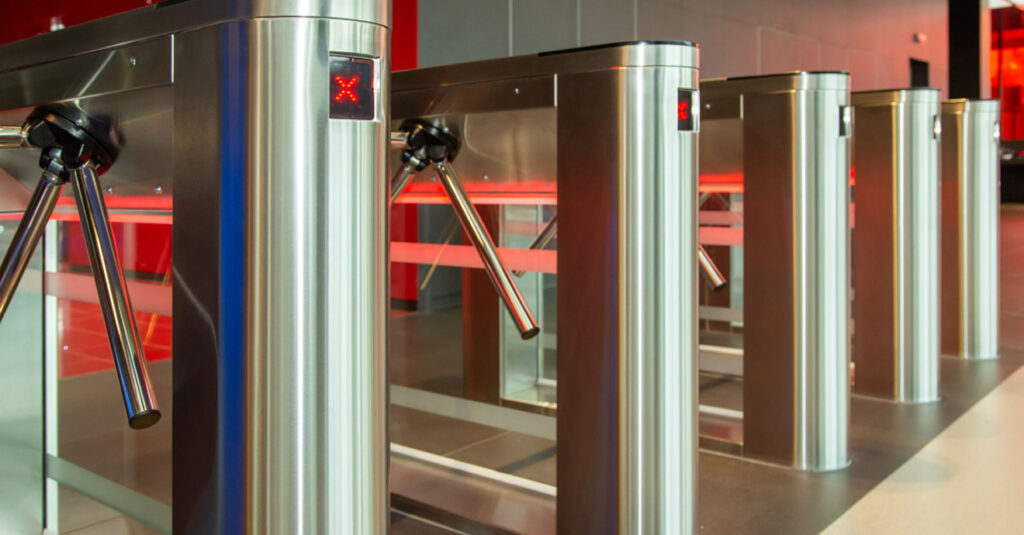
Access control is generally divided into two categories:
- Physical access control manages entry to physical spaces such as buildings, offices, server rooms, and restricted areas. Common examples include card readers, biometric scanners, security turnstiles, and smart door locks.
- Logical access control manages access to digital resources, including networks, applications, databases, and files. This typically involves usernames and passwords, multi-factor authentication (MFA), and user permissions.
While these categories serve different purposes, they are becoming increasingly interconnected. Many organisations now use unified access management systems that control both physical and digital access from a single platform. In this article, we’ll focus more on physical access control and its role in security.
What Are the Different Types of Access Control?
The four main access control models differ in how permissions are assigned and managed:
| Access Control Model | How It Works | Key Characteristic |
|---|---|---|
| Discretionary Access Control | The owner of a resource decides who can access it and what permissions they receive. | Flexible and easy to implement, but permissions can become inconsistent across larger organisations. |
| Mandatory Access Control | Access is assigned by a central authority based on predefined security classifications and clearance levels. Users cannot modify their own permissions. | Highly secure and centrally managed, but less flexible for everyday operational needs. |
| Role-Based Access Control | Access is granted according to a user’s job role or responsibilities within the organisation. Employees with the same role typically receive similar permissions. | Easy to manage and scale, making it one of the most widely used access control models. |
| Attribute-Based Access Control | Access decisions are based on multiple factors, such as a user’s role, department, location, device, or time of access. | Provides more granular control and is well-suited to complex or dynamic environments. |
For a deeper look at each model, see our article on the Types of Access Control in Security with Examples.
Common Features of Modern Access Control Systems
Modern access control systems have evolved into comprehensive security platforms with features such as:
- Remote Access Management: Administrators can grant, modify, or revoke access permissions from virtually anywhere.
- Cloud Connectivity: Supports centralised management across multiple sites and remote locations.
- Biometric Authentication: Uses fingerprints, facial recognition, or iris scans to strengthen identity verification.
- Mobile Credentials: Allows users to access secure areas using their smartphones instead of physical cards or fobs.
- Customisable Access Policies: Enable organisations to tailor permissions based on roles, departments, locations, or security requirements.
- Real-Time Alerts: Notifies security teams immediately of unauthorised access attempts or unusual activity.
- Automated Security Responses: Can trigger predefined actions, such as locking doors, activating alarms, or notifying administrators when specific events occur.
- AI-Driven Insights: Uses artificial intelligence to identify unusual patterns, detect potential issues early, and support more proactive security management.
Key Challenges in Access Control and Best Practices
Common Challenges
Even the most advanced access control system requires proper management to remain effective. Common challenges include:
- Evolving Security Threats: Access control systems are increasingly connected to networks and other technologies, making them potential targets for cyberattacks and other security threats.
- Credential Mismanagement: Lost access cards, shared PINs, and delayed credential deactivation can create security gaps that are often difficult to detect.
- Multi-Site Management: Maintaining consistent access policies across multiple locations can become challenging without centralised visibility and control.
- Hybrid Workforce Demands: Frequent changes in employee schedules, contractors, and visitors require access permissions to be updated quickly and accurately.
Best Practices
To address these challenges and maintain a secure environment, organisations should adopt the following best practices:
- Immediate Credential Revocation: Remove access rights as soon as an employee leaves the organisation or no longer requires access.
- Regular Access Reviews: Periodically audit user permissions to ensure they remain aligned with current roles and responsibilities.
- Principle of Least Privilege: Grant users access only to the areas and resources necessary for their job functions.
- System Integration: Connect access control with HR, visitor management, and other security systems to improve visibility and reduce administrative effort.
- Routine Software Updates: Keep software, firmware, and connected devices updated to address security vulnerabilities and maintain system performance.
Applications of Access Control Systems for Security by Industry
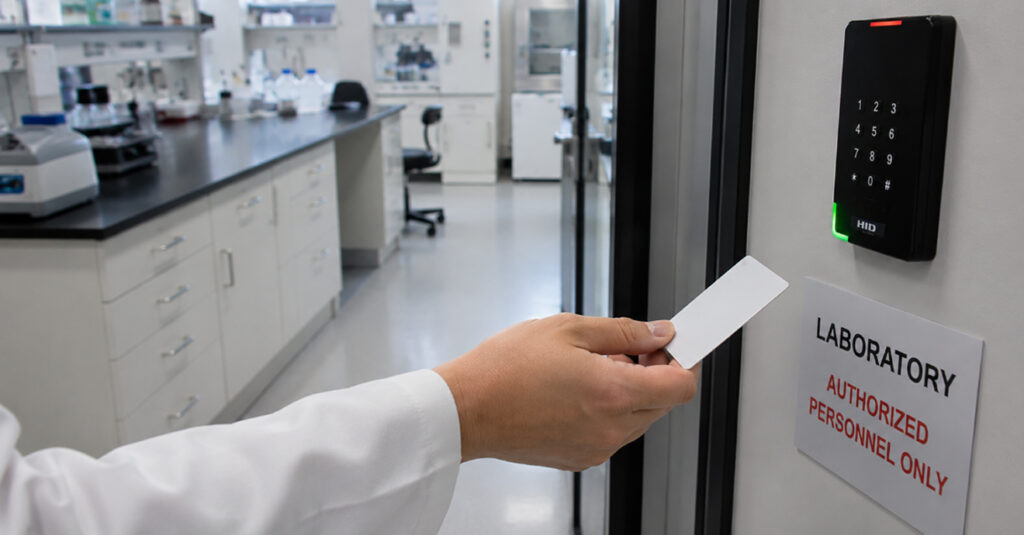
Access control requirements vary across industries, with each environment facing its own security and operational challenges.
- Corporate Offices: Managing employee access to offices, meeting rooms, server rooms, and restricted departments, while providing controlled access for visitors, contractors, and vendors.
- Healthcare Facilities: Protecting patient records, pharmacies, laboratories, and staff-only areas while ensuring authorised medical personnel can move efficiently throughout the facility.
- Educational Institutions: Securing classrooms, staff rooms, laboratories, libraries, and student accommodation. Access permissions can also be adjusted for events, examinations, and after-hours activities.
- Government and Public Sector Buildings: Controlling access to sensitive offices, records, and restricted areas while meeting strict security and compliance requirements.
- Manufacturing and Industrial Facilities: Restricting access to production areas, warehouses, control rooms, and specialised equipment to authorised personnel only.
- Data Centres and IT Facilities: Protecting critical infrastructure, server rooms, and network equipment through tightly controlled access and comprehensive audit trails.
- Commercial and Mixed-Use Developments: Managing access across offices, residential areas, car parks, shared facilities, and common spaces from a centralised platform.
Whether securing a single office or a multi-site facility, the right access control system starts with understanding what the site actually needs. CMC Solutions works with organisations across Malaysia to assess requirements and implement door access systems that fit both the security demands and day-to-day operations of the facility.
Conclusion
Access control technology has come a long way, but technology alone is not enough. The most effective systems combine the right technology with clear policies, proper credential management, and regular oversight.
If you’re planning a new installation or upgrading an existing system, CMC Solutions can help you identify the right solution for your organisation. As a trusted security system supplier in Malaysia, we provide access control solutions for a wide range of commercial and industrial applications. Contact us today for a free site visit and consultation.
Frequently Asked Questions on What is an Access Control System in Security?
1. What is the difference between access control and security?
Security is the overall effort to protect people, property, and information from threats. Access control is one part of that strategy, focusing specifically on controlling who can enter certain areas or access specific resources.
Access control works alongside other security measures such as CCTV, alarms, and security personnel to create a safer environment.
2. Can physical access control systems do more than just provide access?
Yes. Modern access control systems can integrate with a wide range of security and operational tools, allowing organisations to manage more than just who enters a facility.
Common integrations include:
- CCTV and video surveillance
- Intrusion alarm systems
- Biometric authentication
- Visitor management platforms
- Time and attendance tracking
- Identity management systems
- Locker and asset management
- Occupancy monitoring
By connecting these systems, organisations can improve security, streamline administration, and gain greater visibility across their facilities.
3. What are some examples of identifiers for access control?
Access control systems use different types of credentials to verify a user’s identity before granting access. The most common include:
| Credential Type | Examples | Advantages | Considerations |
|---|---|---|---|
| Access Cards and Key Fobs | Keycards, proximity cards, RFID fobs | Easy to use, affordable, and widely supported. | Can be lost, stolen, or shared with others. |
| Mobile Credentials | Smartphone-based access apps, digital wallets | Convenient, contactless, and can be managed remotely. | Depend on a charged and functioning mobile device. |
| PIN Codes and Passwords | PINs, passwords, passcodes | Simple to implement and requires no additional hardware. | Can be forgotten, guessed, or shared. |
| Biometric Credentials | Fingerprint, facial recognition, iris recognition | Difficult to replicate and highly convenient for users. | Require careful handling of sensitive biometric data. |
Many modern access control systems support multiple credential types and can combine them through multi-factor authentication for enhanced security.
4. What is credentialing in access control?
Credentialing is the process of registering individuals in the access control system, assigning appropriate permissions based on their role, and managing changes to those permissions over time.
This includes issuing new credentials for new employees, updating access rights when roles change, and revoking access promptly when someone leaves the organisation.
5. Can a physical access control system integrate with other security systems?
Yes. Modern access control platforms commonly integrate with CCTV, intrusion detection, visitor management, HR systems, and building management systems. Integration means events across systems are linked, so a forced door alarm can automatically trigger a nearby camera to record, for example.
6. What happens when the power goes out?
Access control systems are typically connected to an uninterruptible power supply (UPS) or backup battery. Locks can be configured as fail-safe, meaning they unlock during a power failure to allow evacuation, or fail-secure, meaning they remain locked. The choice depends on the security requirements and fire safety regulations for each door.
7. What is the difference between standalone and networked access control?
- Standalone access control stores access permissions directly on each door controller. Each door operates independently, which makes these systems suitable for smaller sites with limited access points.
- Networked access control connects multiple door controllers to a central management platform. This allows administrators to manage permissions, monitor activity, generate reports, and respond to security events from a single location.
For most businesses, networked systems offer greater flexibility, visibility, and scalability, making them the preferred choice for facilities with multiple doors or locations.
8. How do I know if my access control system needs an upgrade?
Common indicators include credentials that can no longer be sourced or supported, an inability to integrate with current security or HR systems, no remote management capability, and an audit log that cannot be reliably searched or exported. If the system cannot tell you in real time who is on-site, it is likely due for a review.