
Introduction
Access cards are one of the most common door access systems in Malaysia, found in offices, condominiums, factories, campuses, and commercial buildings across the country. They may all look the same in your hand, but what is inside them varies considerably.
The technology behind an access card affects its security, functionality, read range, and compatibility with other systems. This guide covers the major access card technologies in use today to help you identify the most suitable option for your building security solution.
What is an Access Card?
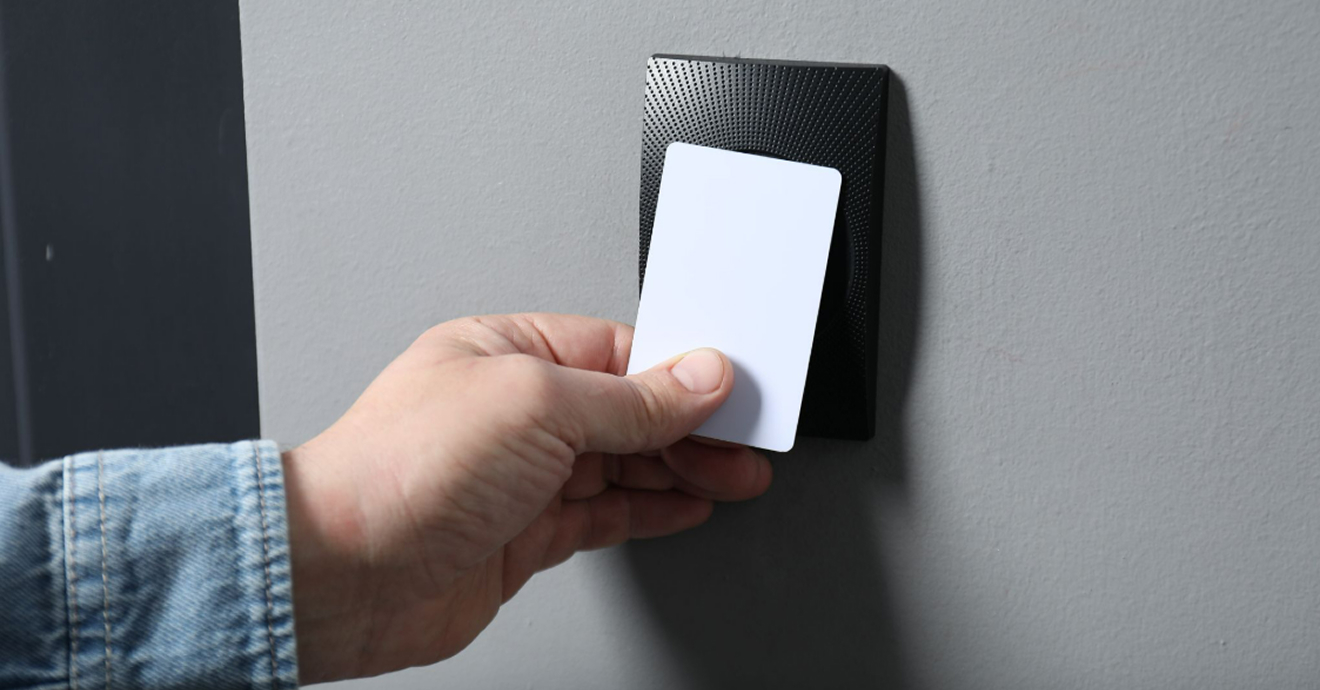
An access card is a card that allows authorised individuals to enter specific areas within a building or facility. Instead of using a traditional key, users simply tap, swipe, or hold the card near a reader to unlock doors and access restricted spaces.
Access cards make it easier for organisations to manage security while giving employees, residents, or authorised visitors convenient access to the areas they need. If a card is lost or access permissions need to change, administrators can update or deactivate the card without replacing locks, making access control more efficient and secure.
How an Access Card System Works
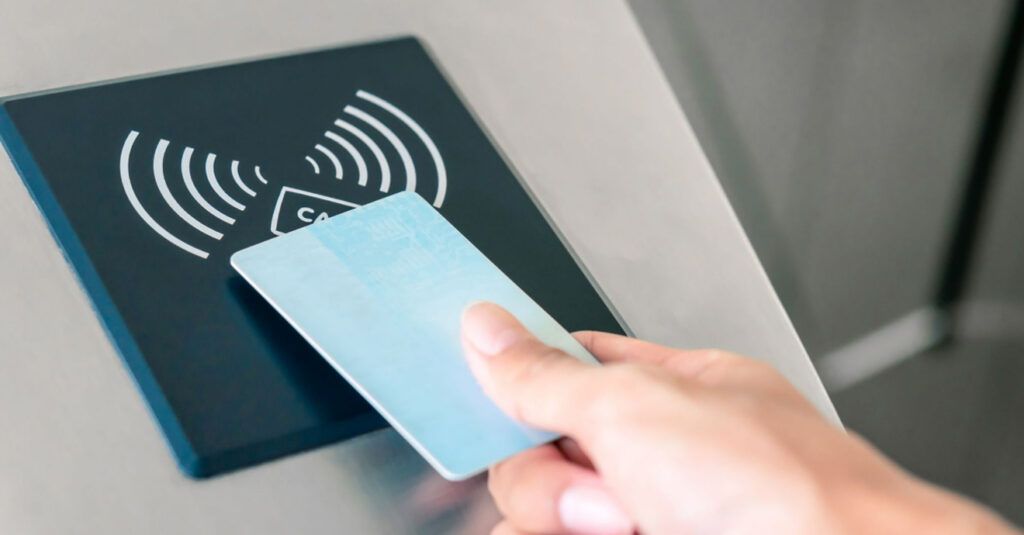
Although different card technologies operate in different ways, the basic process remains similar:
1. The User Presents the Card
The cardholder taps or brings the card near a reader.
2. The Reader Captures Card Data
The access control reader reads the card’s stored information, such as a unique identification number or encrypted credential.
3. Verification Takes Place
The system compares the card’s information against authorised users stored within the access control database.
4. Access Is Granted or Denied
If the card matches approved permissions, the door unlocks. If not, access is denied.
Modern systems can also record entry and exit events for auditing and security monitoring purposes.
Types of Access Card Frequencies
Before looking at specific access card technologies, it helps to understand the frequencies they operate on. The frequency of an access card affects factors such as read range, security capabilities, data storage, and compatibility with access control systems.
1. Low Frequency (LF): 125 kHz – 134 kHz
Low-frequency cards are one of the oldest access card technologies and are commonly found in legacy access control systems.
Key Characteristics:
- Short read range (typically 2–10 cm)
- Low cost
- Limited data storage
- Minimal security features & easy to duplicate compared to newer technologies
- Excellent resistance to metal, liquids, and electromagnetic interference
LF cards typically store a fixed identification number that is transmitted to the reader when the card is presented. Because they lack advanced encryption and authentication features, they are generally less secure than modern smart cards.
Best Suited For:
- Older access control systems
- Low-security environments
- Basic building access
2. High Frequency (HF): 13.56 MHz
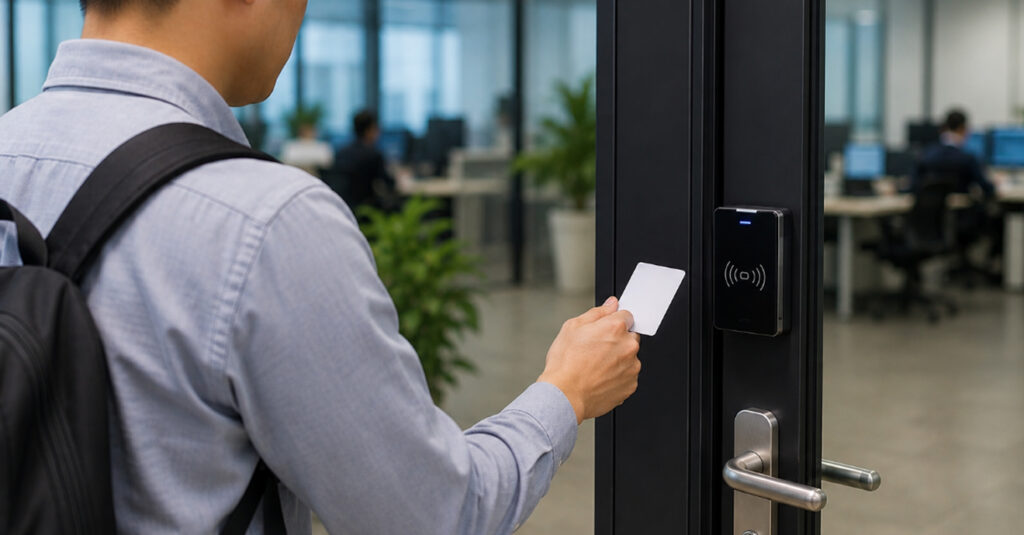
High-frequency cards are the most common choice for modern access control systems. Technologies such as MIFARE, HID iCLASS, and NFC operate within this frequency range.
Compared to LF cards, HF cards support encryption, authentication, and larger data storage capacities, making them more secure and versatile.
Key Characteristics:
- Enhanced security features
- Supports encryption and authentication
- Can store additional user data
- Compatible with many modern access control systems
- Supports NFC-enabled smartphones
Best Suited For:
- Corporate offices
- Educational institutions
- Healthcare facilities
- Commercial buildings
- High-security environments
3. Ultra High Frequency (UHF): 860–960 MHz
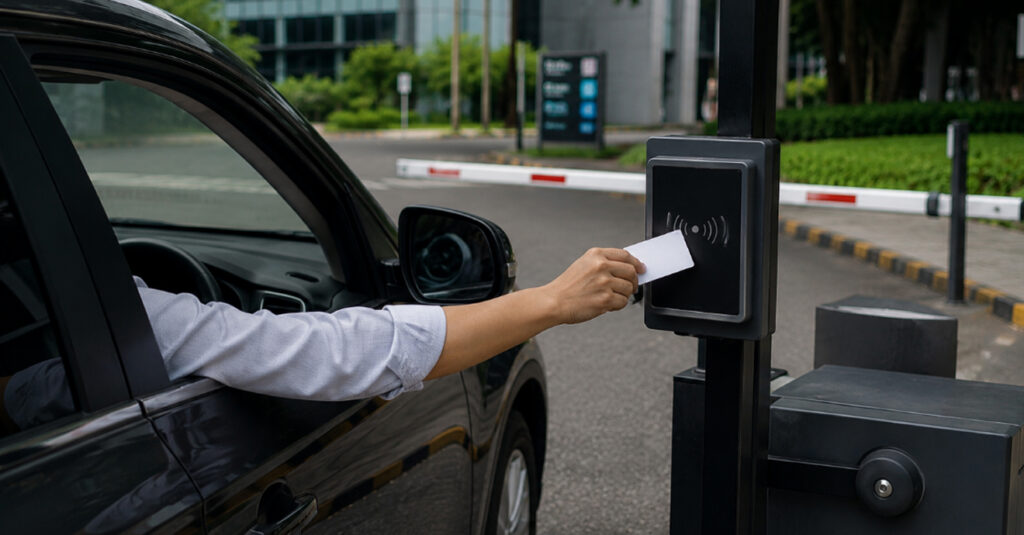
UHF cards are designed for longer-distance identification. Unlike LF and HF cards that require users to tap or hold their cards near a reader, UHF credentials can be detected from several metres away.
In Malaysia, UHF technology is commonly used for vehicle access control, parking management systems, and barrier gate applications. This allows authorised vehicles to be identified as they approach an entry point, creating a smoother and more convenient access experience.
In cards that combine UHF with other technologies such as HF, the UHF chip and antenna are typically positioned separately from the HF components to minimise signal interference and ensure reliable performance.
Key Characteristics:
- Long read range
- Fast vehicle identification
- Suitable for barrier gate integration
- Supports anti-cloning technologies
Best Suited For:
- Car park access systems
- Barrier gates
- Logistics facilities
- Industrial sites
- Vehicle access control
Because of their extended read range, UHF cards are generally not used for standard door access applications.
4. Multi-Technology (Hybrid) Cards
Hybrid cards contain more than one access technology within a single credential. For example, a card may combine both Low Frequency (LF) and High Frequency (HF) technologies, allowing it to work with older readers while remaining compatible with newer access control systems.
To ensure reliable performance, the different technologies use separate antennas that operate independently, helping to prevent signal interference between the card’s components.
This makes hybrid cards particularly useful during system upgrades, as organisations can transition to newer technologies without replacing all readers and credentials at once.
Key Characteristics:
- Supports multiple technologies
- Simplifies system migration
- Reduces replacement costs
- Compatible with mixed environments
Best Suited For:
- Access control upgrades
- Large organisations
- Multi-site deployments
- Facilities using both old and new readers
Common Types of Access Cards
1. RFID Proximity Cards (125 kHz, Low Frequency)
RFID proximity cards, often called prox cards, are among the most widely used access cards in Malaysia. They use low-frequency (LF) technology and allow users to gain access by simply holding the card near a compatible reader.
These cards contain a unique identification number that is transmitted to the access control system when scanned.
Advantages:
- Affordable and widely available
- Easy to use
- Compatible with many legacy systems
- Suitable for high-volume deployments
Limitations:
- Limited security features
- Generally do not support encryption
- Easier to duplicate compared to modern smart cards
Best Suited For:
- Basic access control systems
- Car parks
- Low-security environments
- Facilities using older infrastructure
2. MIFARE Smart Cards (13.56 MHz, High Frequency)
MIFARE is one of the most widely used high-frequency (HF) smart card technologies in modern access control systems. These cards offer greater memory capacity, stronger security features, and support for multiple applications beyond door access.
However, security levels can vary significantly depending on the specific MIFARE technology used:
MIFARE Classic
A popular option in many older installations, MIFARE Classic uses the CRYPTO1 encryption algorithm, which is more vulnerable to cloning than newer smart card technologies.
MIFARE DESFire (EV2 / EV3)
MIFARE DESFire is widely regarded as the modern standard for high-security smart cards. It uses advanced AES encryption and mutual authentication (meaning both the card and reader must verify each other’s authenticity before any information is exchanged). This provides significantly stronger protection against unauthorised access and credential cloning.
Advantages:
- Strong security capabilities, particularly with DESFire configurations
- Supports multiple applications on a single card
- Suitable for large-scale deployments
- Can integrate with access control, attendance, parking, and payment systems
Best Suited For:
- Corporate offices
- Hospitals and healthcare facilities
- Universities and educational campuses
- Commercial and mixed-use developments
- Organisations looking to combine access control with additional smart card functions
3. HID Cards
HID is one of the most recognised names in the access control industry. Rather than being a single-card technology, HID offers a range of credential types designed to meet different security requirements, from basic access control to high-security enterprise environments.
When evaluating HID solutions, it is important to understand the differences between the various product lines:
HID Prox
HID Prox cards operate at 125 kHz and are widely used in older access control systems. While reliable and easy to deploy, they offer limited security and share cloning vulnerabilities.
Legacy HID iCLASS
Introduced as a more secure 13.56 MHz smart card technology, HID iCLASS offered stronger authentication and encryption than traditional proximity cards. However, earlier versions have since been surpassed by newer credential technologies that provide enhanced protection against modern security threats.
HID iCLASS SE & HID Seos
These are HID’s current-generation credential platforms. HID Seos, in particular, is designed with advanced encryption and secure authentication protocols to help protect against credential cloning and unauthorised access. It also supports both physical cards and mobile credentials, making it a flexible option for organisations adopting modern access control strategies.
Advantages:
- Enterprise-grade security options
- Advanced encryption and authentication capabilities
- Supports both physical and mobile credentials
- Scalable for large and complex organisations
- Designed to support future technology upgrades
Best Suited For:
- Corporate headquarters
- Government facilities
- Financial institutions
- Data centres
- Multi-tenant commercial buildings
- Organisations with high security requirements
For organisations seeking a long-term access control solution, modern HID technologies such as iCLASS SE and Seos offer stronger security and greater scalability than traditional proximity cards.
4. NFC Cards and Mobile Credentials
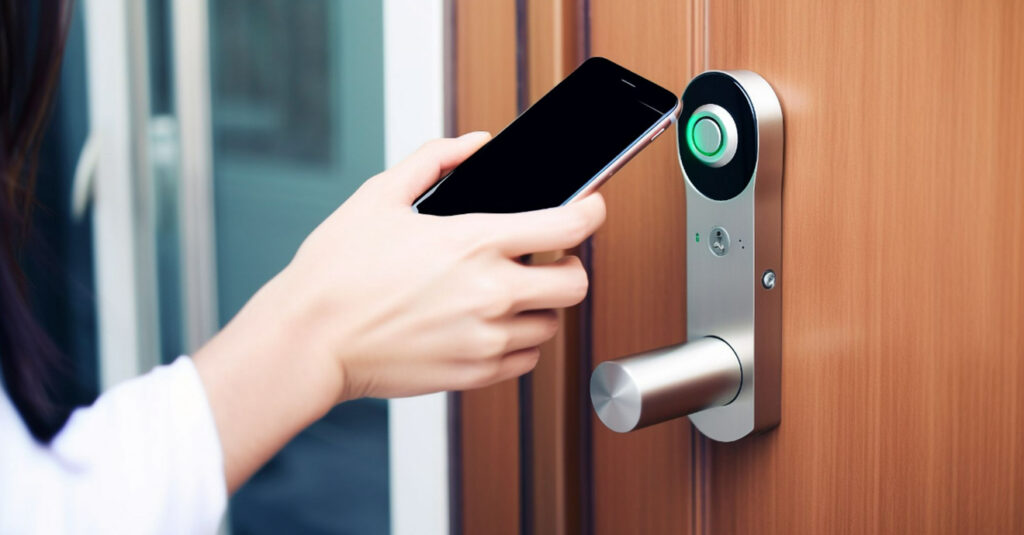
Near Field Communication (NFC) is a high-frequency technology that operates at 13.56 MHz and enables secure, short-range wireless communication between a credential and a reader. While NFC can be used in physical access cards, its biggest advantage is its integration with modern smartphones.
Instead of carrying a physical access card, users can store a digital credential on their smartphone through a mobile access app or digital wallet. This allows authorised users to unlock doors using a device they already carry every day.
Advantages:
- Additional security through biometrics: Mobile credentials can be protected by fingerprint or facial recognition before access is granted.
- Remote credential management: Access permissions can be issued, updated, or revoked remotely without replacing physical cards.
- Improved user convenience: Eliminates the need to carry separate access cards or badges.
- Reduced replacement costs: No need to reissue physical credentials when cards are lost or damaged.
- Supports modern access control systems: Easily integrates with cloud-based and mobile-enabled security platforms.
Best Suited For:
- Modern corporate offices
- Co-working spaces
- Premium residential developments
- Commercial buildings
- Organisations adopting mobile-first operations
- Businesses seeking simplified credential management
For organisations prioritising convenience, flexibility, and future scalability, NFC and mobile credentials offer a practical alternative to traditional access cards while maintaining strong security standards.
Access Card Formats Explained
Besides technology, access cards also come in different physical formats depending on operational requirements.
1. Standard PVC Cards
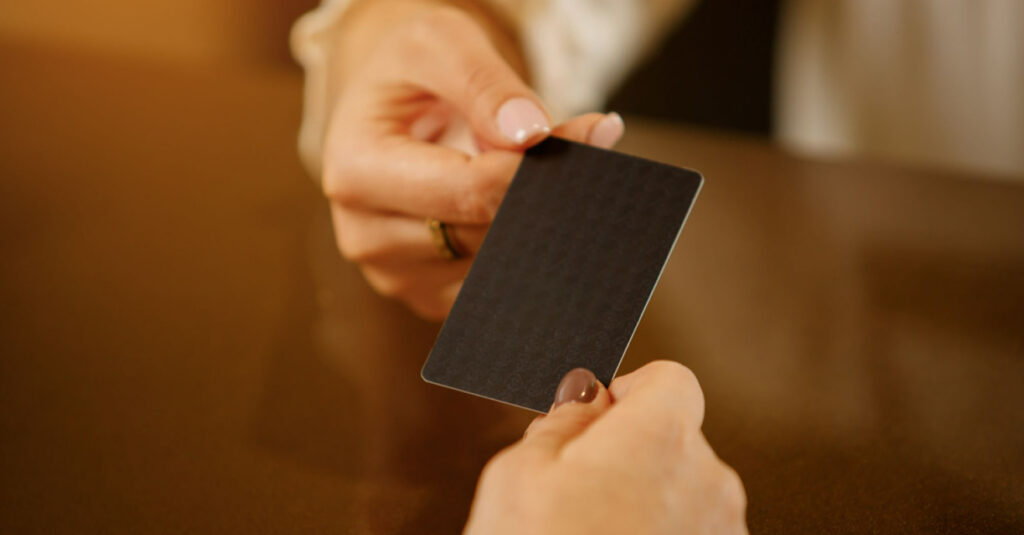
The most common format, similar in size and appearance to a bank card.
Suitable for:
- Employee ID cards
- Office access cards
- Visitor passes
2. Clamshell Cards
Thicker and more durable than standard PVC cards.
Suitable for:
- Industrial environments
- Construction sites
- Manufacturing facilities
3. Key Fobs
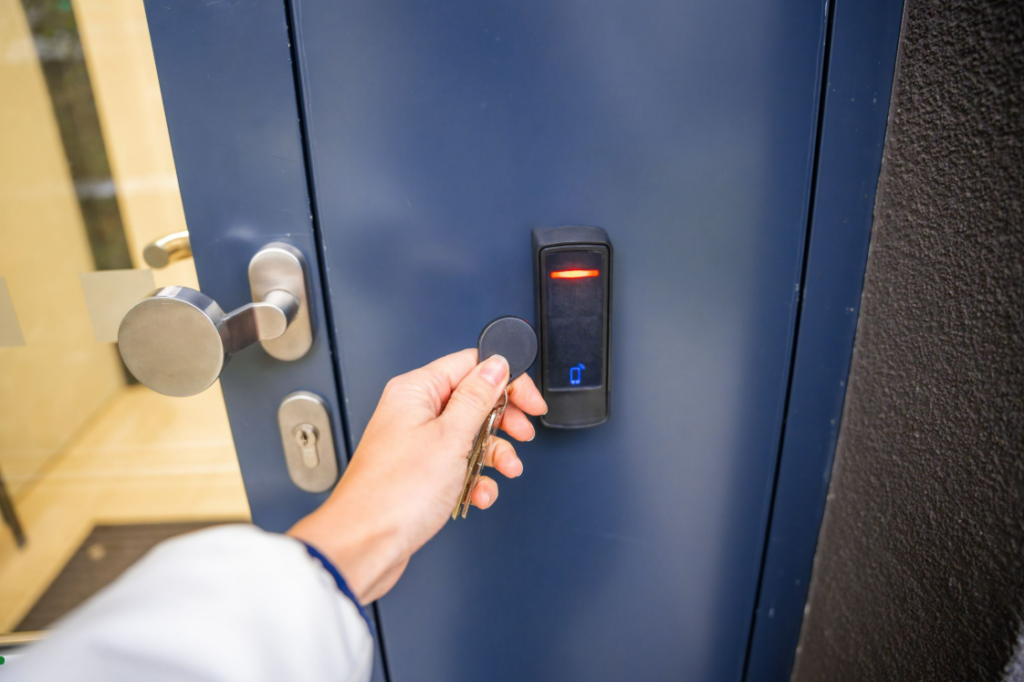
Compact credentials designed to attach to keychains.
Suitable for:
- Residential access control
- Parking access
- Smaller facilities
4. Printable Smart Cards
Cards that can display employee information, photographs, branding, and security elements.
Suitable for:
- Corporate identification
- Educational institutions
- Healthcare facilities
Security Features That Enhance Access Card Protection
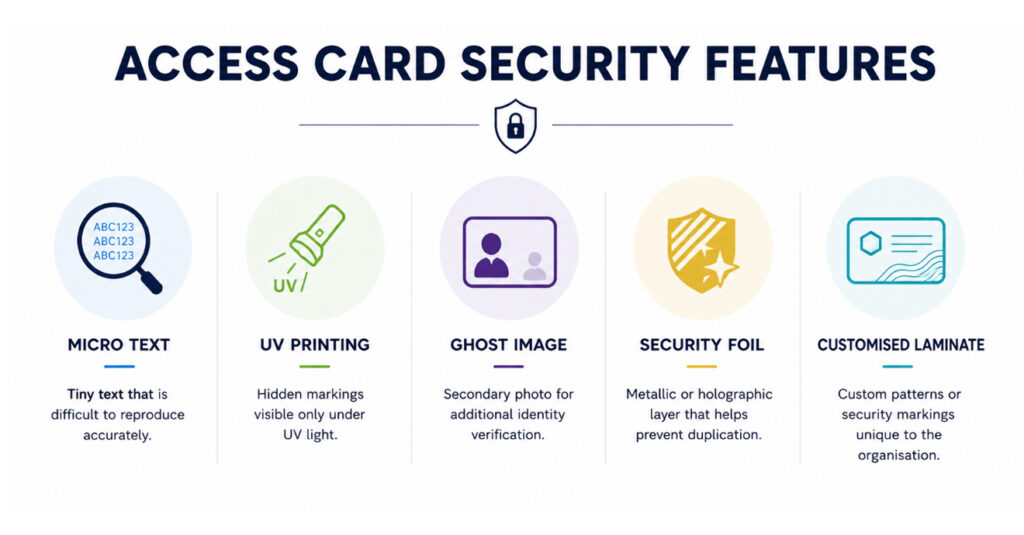
Modern access cards can include additional security measures that make duplication and counterfeiting more difficult.
1. Micro Text
Micro text consists of extremely small printed characters that are difficult to reproduce accurately using standard printing equipment. It is often used to verify the authenticity of access cards.
2. Ultraviolet (UV) Printing
UV printing uses special inks that become visible only under ultraviolet light. This hidden security feature helps security personnel quickly identify genuine cards.
3. Ghost Image
A ghost image is a secondary, smaller version of the cardholder’s photograph printed on the card. It provides an additional layer of visual verification and makes card tampering more difficult.
4. Security Foil
Security foils are metallic overlays that enhance both the appearance and security of access cards. They can incorporate holographic elements that are difficult to duplicate.
5. Customised Laminate
Custom laminates can incorporate unique branding, holograms, patterns, or security markings that help organisations prevent unauthorised reproduction.
Common Applications of Access Cards
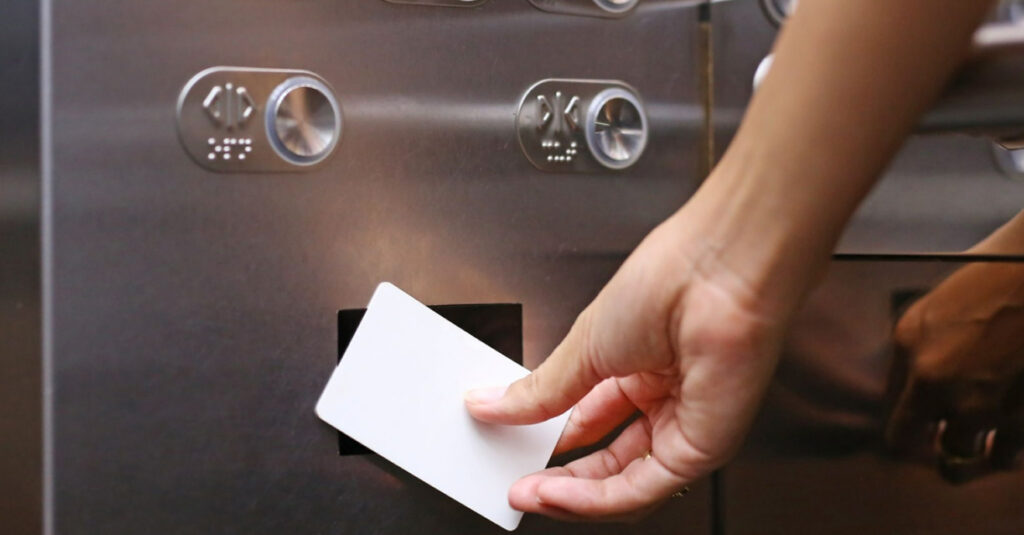
Modern access cards are often integrated with multiple systems beyond simple door access:
- Building Access Control: Keep sensitive areas secure by ensuring only authorised individuals can gain entry.
- Time Attendance Systems: Turn every card tap into an attendance record.
- Visitor Management Systems: Give guests controlled access without compromising security.
- Lift Access Control: Ensure users can only access the floors relevant to them.
- Parking Management Systems: Simplify vehicle access while reducing the need for manual checks.
- Cashless Transactions: Use one card for both access and everyday purchases.
- Integrated Security Systems: Bring multiple security functions together under a single management platform.
Choosing the Right Access Card for Your Organisation
With multiple card technologies available, selecting the right solution starts with understanding how the card will be used within your environment. Consider the following questions before making a decision:
1. What level of security do you require?
Start by assessing the risks associated with unauthorised access. Facilities handling sensitive information, valuable assets, or restricted operations may benefit from encrypted smart cards and advanced credential technologies rather than basic proximity cards.
2. How many users will the system support?
A small office may have very different requirements from a university campus or a multi-site organisation. Choosing a solution that can accommodate future growth helps avoid costly upgrades later on.
3. Will the card be used for more than door access?
Many organisations use access cards for additional functions such as attendance tracking, parking access, visitor management, lift control, and cashless payments. If multiple applications are required, a smart card solution may offer greater flexibility.
4. What is your long-term budget strategy?
While lower-cost cards may reduce upfront expenses, more advanced technologies often provide better value over time through improved security, durability, and functionality.
5. How future-ready should the system be?
Technology continues to evolve, with many organisations adopting mobile credentials, cloud-based management, and integrated security platforms. Selecting a scalable solution today can make future expansions and upgrades much easier.
Ultimately, the right access card is not necessarily the most advanced or the most affordable. It is the one that best aligns with your organisation’s security requirements, operational needs, and long-term plans.
Conclusion
Access cards may look similar on the surface, but the technology behind them can vary significantly. Rather than choosing the most advanced option available, organisations should focus on selecting one that best aligns with their environment, security goals, and future plans.
Not sure which type of access card is the best fit for your organisation? Speak with our experts at CMC Solutions for practical advice and tailored recommendations from a security system supplier Malaysia companies trust.
Frequently Asked Questions about Access Cards for Security
1. What is the difference between RFID and MIFARE cards?
RFID is a broad technology category that includes many card types. MIFARE cards are a specific type of RFID smart card that offers enhanced security, encryption, and data storage capabilities.
2. Are mobile credentials replacing physical access cards?
Many organisations are adopting mobile credentials due to their convenience and flexibility. However, physical cards remain widely used because they are familiar, cost-effective, and easy to deploy.
3. Can access cards be integrated with attendance systems?
Yes. Many modern access control systems integrate with time attendance software to automatically record employee entry and exit times.
4. What is the difference between a proximity card and a smart card?
A proximity card is a low-frequency (125 kHz) credential that broadcasts a fixed, unencrypted ID number when near a reader. A smart card operates at high frequency (13.56 MHz) and uses encryption and mutual authentication, making it significantly harder to clone or intercept.
5. Can proximity cards be cloned?
Yes. Standard 125 kHz proximity cards transmit an unencrypted ID that can be captured and duplicated using inexpensive, readily available tools. This is a known limitation of the technology. Organisations still using proximity credentials in higher-risk environments should consider upgrading to encrypted smart cards.
6. What is the difference between NFC and RFID?
RFID is the broad category of radio frequency identification technology. NFC is a standardised protocol operating at 13.56 MHz that falls within the high-frequency RFID band. NFC is what enables two-way communication between smartphones and access readers, making it the basis for mobile credentials.