
Introduction
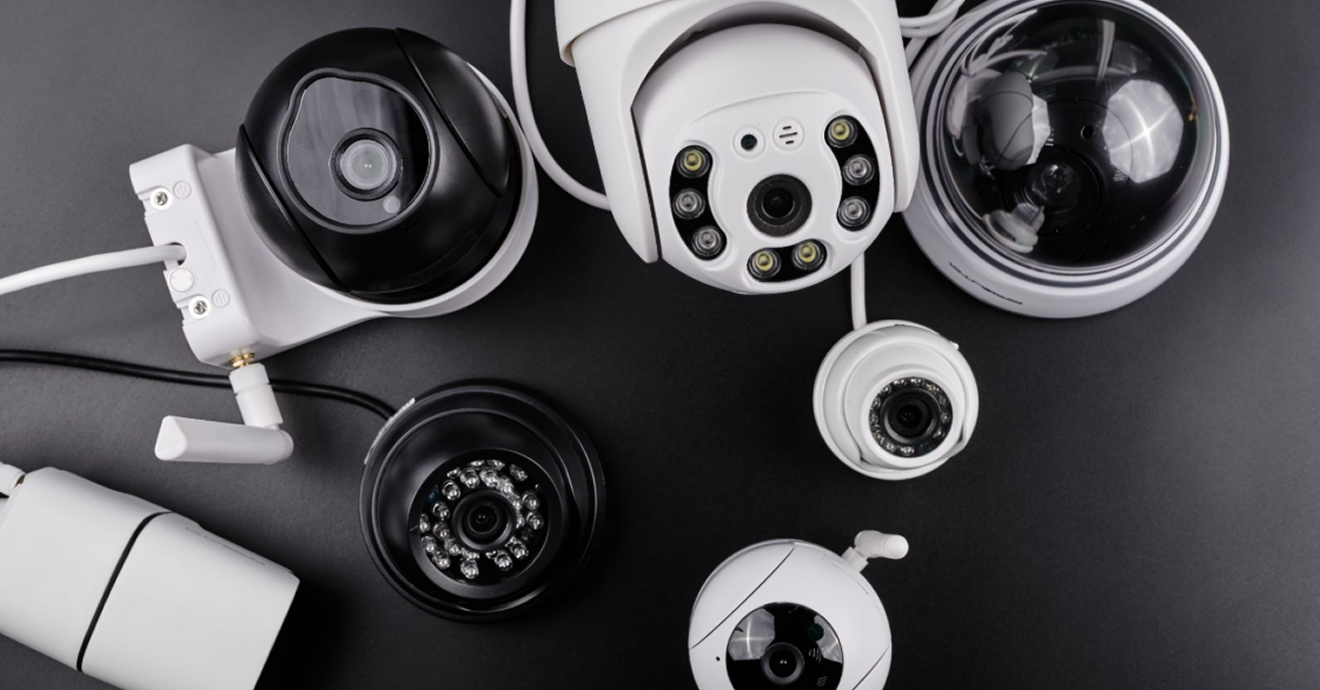
There is no one-size-fits-all approach to CCTV. A setup that works well for a retail store may not be suitable for a warehouse, office, residential property, or outdoor perimeter. As security needs vary from one environment to another, CCTV systems are available in a wide range of designs, technologies, and configurations to meet different requirements.
Understanding these differences is key to choosing the right solution. In this guide, we explore the different types of CCTV systems, what sets them apart, where they perform best, and the considerations to keep in mind when selecting a setup for your property.
What is a CCTV System?
A CCTV (closed-circuit television) system is a network of cameras and recording equipment used to monitor and capture footage of a specific area. Unlike broadcast television, the feed from a CCTV system is transmitted to a closed, private network of monitors or recording devices rather than a public signal.
CCTV systems are widely used in residential, commercial, and industrial environments to support security and operational monitoring. Common applications include deterring theft, improving employee safety, managing access to restricted areas, and providing recorded footage for incident investigations.
The Importance of CCTV Systems
Beyond recording footage, modern CCTV systems serve several distinct functions:
- Deterrence: The visible presence of cameras can discourage theft, vandalism, trespassing, and other unwanted activity before it occurs. This preventive effect is supported by a Malaysian study, which found that increased CCTV deployment was associated with lower crime rates and improved public perceptions of safety.
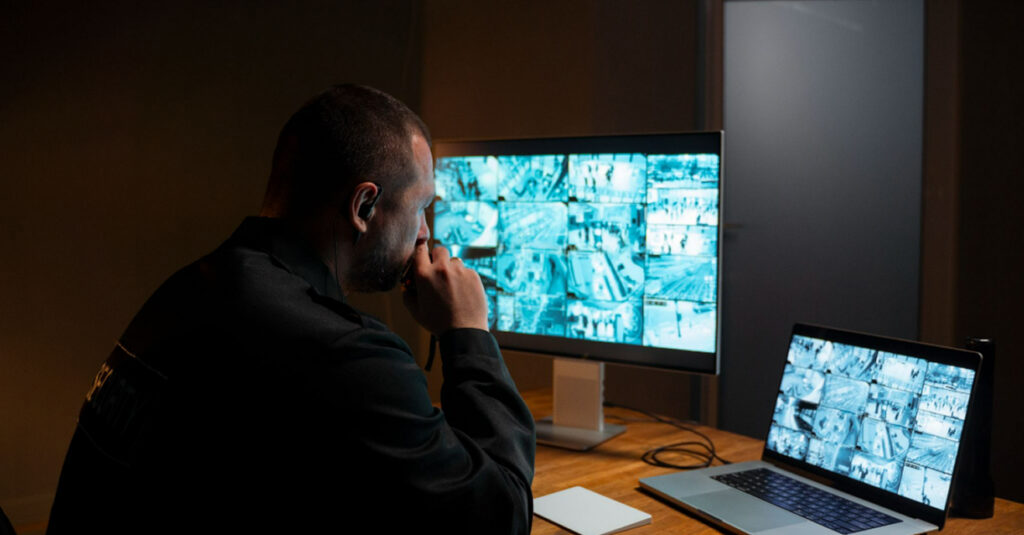
- Real-Time Monitoring: Security personnel can monitor multiple areas simultaneously through live video feeds, allowing faster responses to potential threats or emergencies.
- Incident Investigation: Recorded footage provides a reliable visual record that can be reviewed after an event and used to support investigations, insurance claims, or legal proceedings.
- Access Management: When integrated with access control systems, CCTV helps verify identities at entry points and creates a visual record of who enters and exits a facility.
- Operational Oversight: In commercial and industrial environments, CCTV can also support workplace safety, monitor operational processes, and help identify opportunities for improvement.
What Parts Are Involved in a CCTV System and How Do They Work Together?
A complete CCTV system consists of several components that work together to capture, transmit, store, and manage video footage. While the exact setup may vary, most systems include the following:
- Cameras: The devices that capture video, available in various designs, resolutions, and specifications to suit different environments and monitoring requirements.
- Recording Device: Either a Digital Video Recorder (DVR) for analogue systems or a Network Video Recorder (NVR) for IP-based systems. This is where footage is recorded and managed. NVRs typically also support remote access, higher resolutions, and advanced features such as AI analytics.
- Video Management System (VMS): The central platform for managing cameras, monitoring live feeds, reviewing recordings, and receiving alerts from a single interface. In smaller deployments, the NVR’s built-in interface may serve this role; larger commercial systems typically use a dedicated VMS for greater scalability and control.
- Storage Media: Hard drives, solid-state drives (SSDs), or cloud storage used to retain recorded footage for future review.
- Cables or Wireless Transmitters: The infrastructure that carries video data between cameras and the recording system, either through physical cabling or a wireless network.
- Monitor: A display used to view live feeds or recorded footage, either locally or through a connected device.
- Power Supply: Provides power to the cameras and supporting equipment. Depending on the system, this may come from individual adapters, a central power unit, or Power over Ethernet (PoE) switches.
How Do These Components Work Together?
- Cameras capture video footage from the areas being monitored.
- Video data is transmitted to the recording device through physical cabling or a wireless network.
- The recording device processes and stores the footage on local drives or cloud-based storage for future access.
- Users view live or recorded footage through a monitor, computer, mobile device, or other connected display.
- The VMS serves as the control centre, giving users a single interface to manage cameras, review recordings, receive alerts, and adjust system settings.
Aspects That Categorize Different Types of CCTV Systems
CCTV systems can be categorized in several ways depending on what feature or characteristic is being compared. The most common groupings are by camera form factor, connectivity method, operating environment, and special features.
(a) By Form Factor
The physical shape and design of a camera affect where it can be installed, how visible it is, and the field of view it provides.
1. Dome Cameras
Pros:
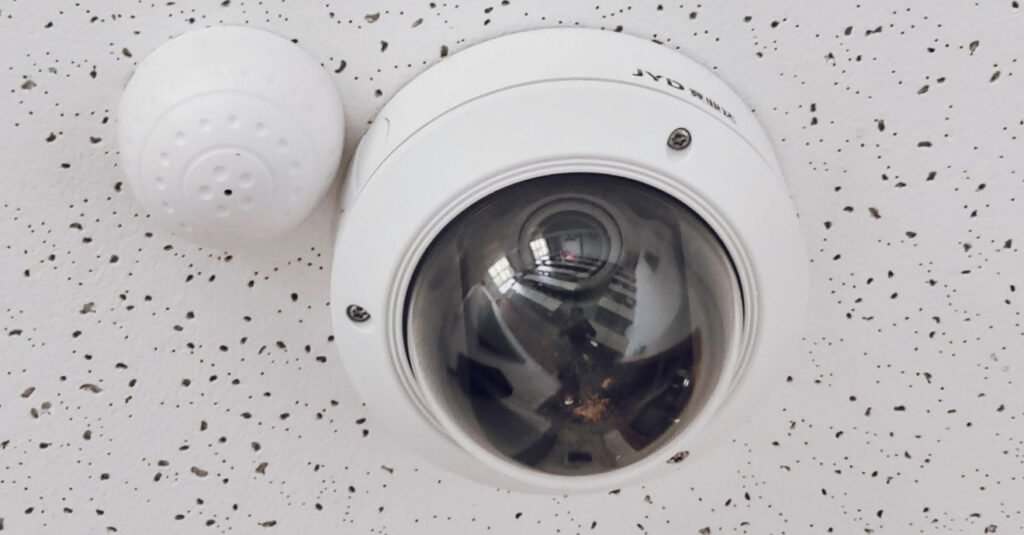
- Covers a large field of view ranging from 90-120 degrees
- Discreet and professional appearance
- Difficult to identify viewing direction
- Available in vandal-resistant models
- Suitable for indoor and outdoor use due to the dome housing that shields the camera
Cons:
- Generally less effective for long-distance monitoring
- Fixed field of view
- Higher need for constant maintenance due to dust/condensation buildup
- Prone to glare and reflection issues due to the dome cover, especially in bright light
- Wireless options are less common
Best Suited For:
Retail stores, offices, hotels, restaurants, and reception areas.
2. Bullet Cameras
Pros:
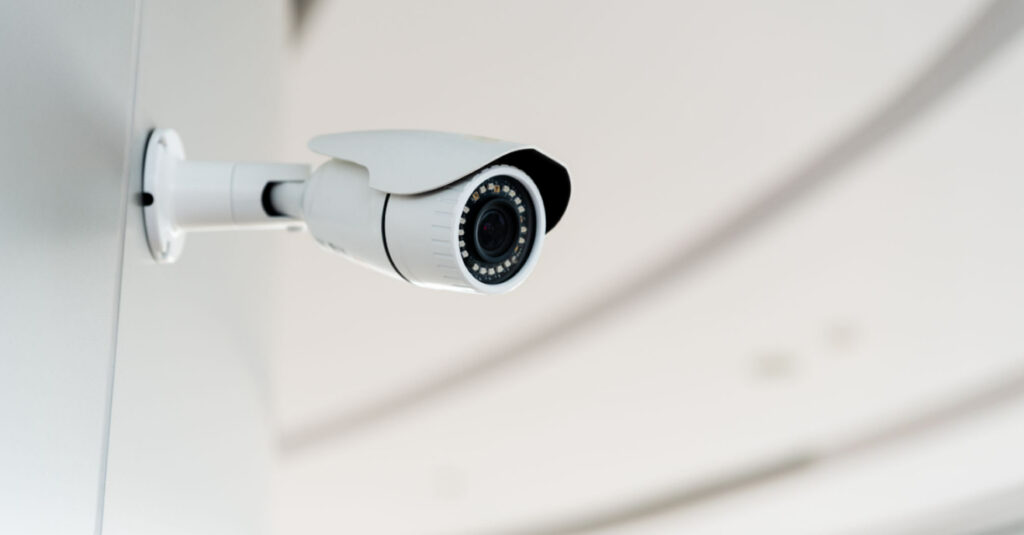
- Excellent long-range visibility
- Easy to position and aim
- Highly visible, creating a strong deterrent effect
- Suitable for outdoor monitoring due to sealing against rain, dust, and extreme temperatures
Cons:
- More noticeable and less discreet
- Can be vulnerable to tampering if mounted within reach
- Need for regular maintenance due to the exposed lens
- Less coverage for side-to-side vision
Best Suited For:
Building entrances, perimeter fencing, car parks, loading bays, and outdoor facilities.
3. PTZ Cameras (Pan-Tilt-Zoom)
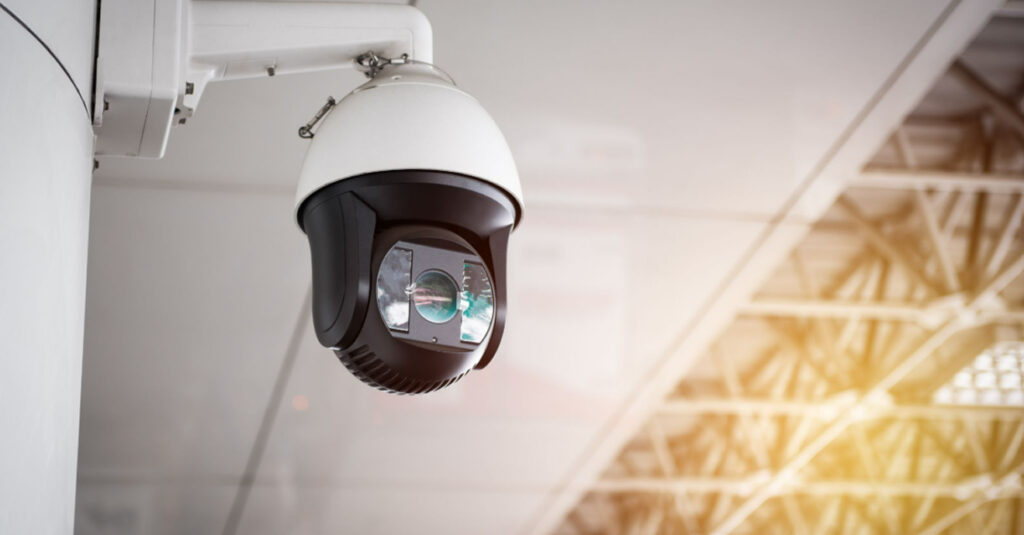
Pros:
- Wide-area coverage, allowing a single camera to monitor areas that may otherwise require multiple fixed cameras
- Remote pan (horizontal), tilt (vertical), and zoom capabilities for flexible monitoring
- Effective for tracking moving subjects across a scene
Cons:
- Higher cost compared to fixed camera alternatives
- Can only monitor one field of view at a time, leaving areas outside its current position unobserved
- Most effective when actively monitored by an operator
Best Suited For:
Warehouses, stadiums, transportation hubs, public spaces, and large commercial sites.
4. Box Cameras
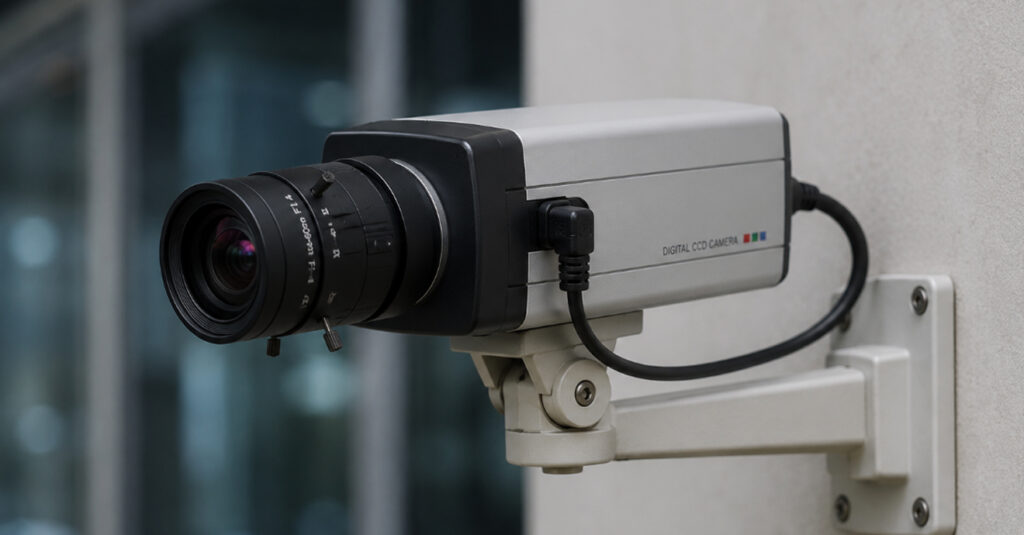
Pros:
- Most allow for flexible lens options
- Suitable for specialised surveillance requirements
- Can deliver high-quality long-range imaging
- Easy to customise for specific applications
Cons:
- Larger and less aesthetically appealing
- Requires additional housing for outdoor use
- More complex installation and setup
Best Suited For:
Industrial facilities, manufacturing plants, retail environments, and specialised monitoring applications.
5. Turret Cameras (Eyeball Cameras)
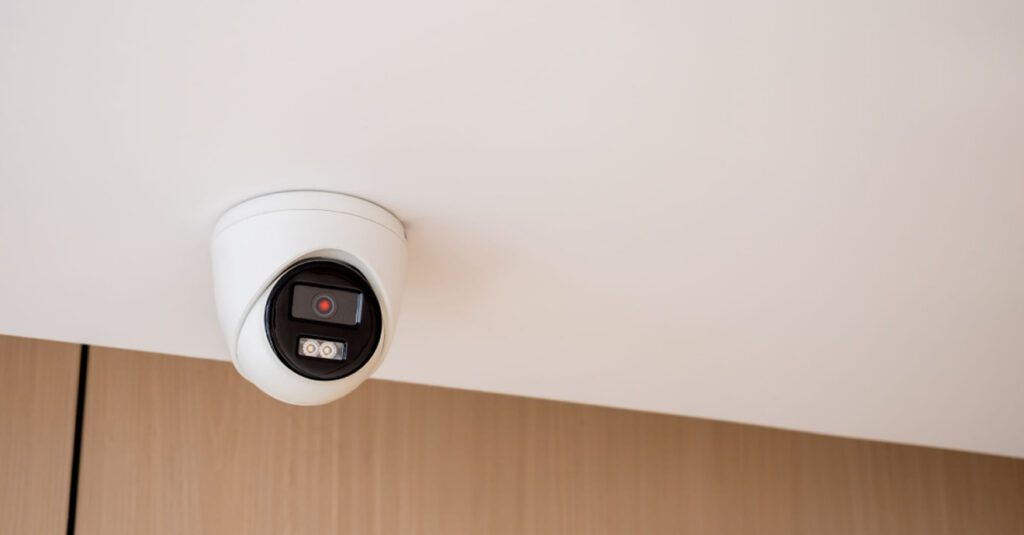
Pros:
- Flexible positioning thanks to its 3-axis ball-and-socket design
- Effective for both close-range and distant surveillance
- Reduced infrared glare and reflection
- Good low-light performance
Cons:
- Lens direction is more visible
- Slightly less protected than enclosed dome models
- Vulnerable to vandalism or outdoor conditions
Best Suited For:
Residential properties, offices, retail stores, corridors, and low-light environments.
6. Fisheye Cameras
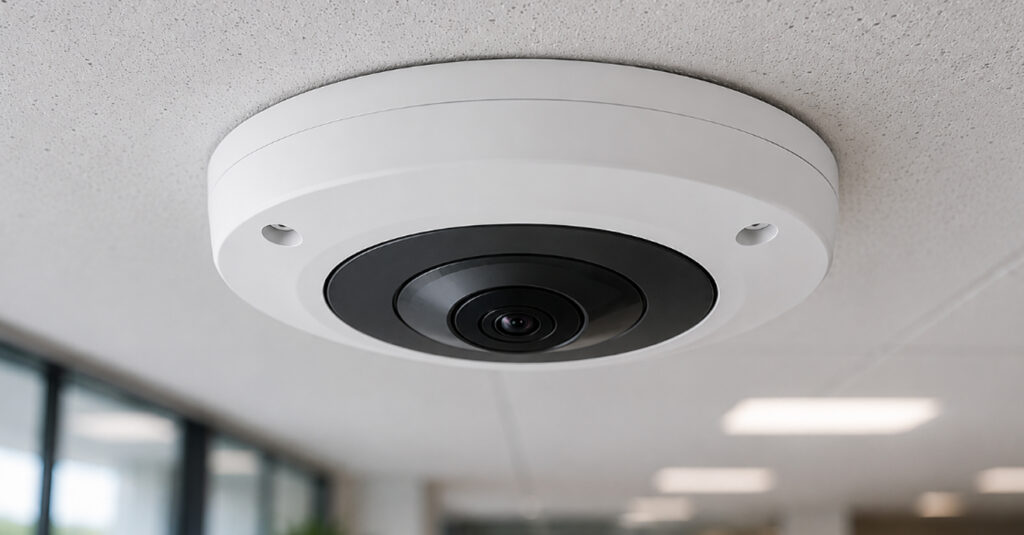
Pros:
- Captures a wide field of view from a single camera
- Reduces the number of cameras required
- Provides strong situational awareness
Cons:
- Edge distortion can occur
- Less detail when focusing on distant objects
- May require software dewarping for optimal viewing
Best Suited For:
Lobbies, retail floors, warehouses, open-plan offices, and large indoor spaces.
(b) By Connectivity
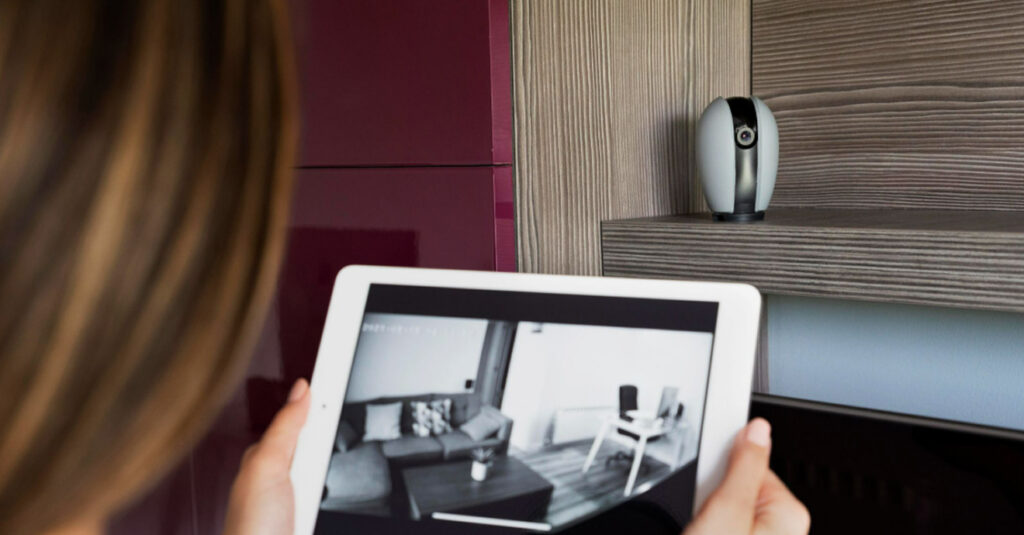
The way a CCTV system transmits video affects installation requirements, image quality, scalability, and remote access capabilities.
1. Analogue CCTV (DVR-Based)
A traditional wired system that transmits video over coaxial cable to a Digital Video Recorder.
Pros:
- Lower upfront cost
- Suitable for upgrading existing coaxial cable infrastructure
- HD-over-Coax technologies support resolutions up to 4K
- Simple and reliable for basic surveillance needs
Cons:
- Fewer advanced features compared to IP systems
- Less flexible when expanding large deployments
- Limited analytics and smart functions
Best Suited For:
Small businesses, residential properties, and sites upgrading from legacy CCTV systems.
2. IP Cameras (NVR-Based)
A network-based system where cameras transmit digital video over Ethernet to a Network Video Recorder.
Pros:
- Higher image quality and resolution
- Supports advanced analytics and smart features
- Easier remote access and monitoring
- Highly scalable for future expansion
Cons:
- Higher initial investment
- Requires network infrastructure and configuration
- Greater bandwidth and storage requirements
Best Suited For:
Commercial buildings, industrial facilities, educational institutions, and large-scale security deployments.
3. PoE Cameras (Power over Ethernet)
A subset of IP-based systems where a single Ethernet cable carries both power and data to each camera.
Pros:
- Power and data are delivered through a single cable
- Simplifies installation and cable management
- Reduces wiring costs
- Supports centralised power management
Cons:
- Requires PoE-compatible switches or injectors
- Cable length limitations may apply
- Network issues can affect camera connectivity
Best Suited For:
Modern offices, commercial buildings, retail environments, and IP-based CCTV installations.
4. Wireless / Wi-Fi Cameras
Cameras that transmit video over a Wi-Fi network, eliminating the need for video cabling.
Pros:
- Easier installation with minimal cabling
- Flexible placement options
- Convenient for retrofit projects
- Supports remote monitoring features
Cons:
- Susceptible to signal interference
- Performance depends on network stability
- Limited by Wi-Fi coverage and bandwidth
Best Suited For:
Homes, small offices, temporary installations, and locations where running cables is difficult.
(c) By Operating Environment and Special Features
CCTV cameras can also be categorized based on the environments they are designed for and the specialised functions they perform.
1. Indoor Cameras
Pros:
- Compact and discreet designs
- Generally more affordable
- Easy installation and maintenance
Cons:
- Not designed for harsh weather conditions
- Limited environmental protection
Best Suited For:
Offices, retail stores, corridors, reception areas, and indoor common spaces.
2. Outdoor Cameras
Pros:
- Weather-resistant construction
- Designed to withstand rain, dust, and temperature fluctuations
- Suitable for perimeter monitoring
Cons:
- Typically more expensive than indoor models
- May require additional mounting and weatherproofing considerations
Best Suited For:
Building exteriors, car parks, loading bays, perimeter fencing, and outdoor facilities.
3. Day/Night Cameras
Pros:
- Adapts automatically to changing lighting conditions
- Maintains image quality during daytime and nighttime operation
- Suitable for 24-hour surveillance
Cons:
- Performance varies between models
- May not perform as well as dedicated IR cameras in complete darkness
Best Suited For:
Entrances, car parks, warehouses, and areas with fluctuating light levels.
4. Infrared (IR) Cameras
Pros:
- Captures footage in complete darkness
- Provides reliable nighttime surveillance
- Available across many camera form factors
Cons:
- Night footage is typically recorded in black and white
- IR range is limited by camera specifications
- Reflective surfaces can sometimes cause glare
Best Suited For:
Perimeter security, outdoor monitoring, warehouses, and poorly lit environments.
5. Thermal Cameras
Pros:
- Detects heat signatures rather than visible light
- Operates effectively in darkness, smoke, and fog
- Excellent for long-range detection
Cons:
- Higher cost than conventional CCTV cameras
- Limited visual detail and identification capability
- Often requires specialist deployment and configuration
Best Suited For:
Critical infrastructure, industrial facilities, utility sites, border security, and high-security perimeter monitoring.
6. License plate recognition (LPR) cameras
Optimized with wide dynamic range sensors and specialized software to capture and read vehicle registration plates, even at higher speeds.
Pros:
- Automated vehicle identification without manual input, reducing reliance on security personnel
- Integrates with barriers, gates, and entry systems to automate vehicle access
- Maintains a timestamped record of every vehicle entry and exit for review or investigation
- Designed to capture clear plate images even when vehicles are moving
Cons:
- Image quality can degrade in poor lighting, heavy rain, or when plates are obscured or damaged
- Requires specialised hardware and software, increasing upfront investment
- Recognition accuracy depends on software updates, calibration, and correct camera positioning
- Does not provide broader surveillance coverage on its own and is typically deployed alongside general-purpose cameras
Best Suited For:
Car parks, gated communities, logistics and distribution centres, toll systems, and controlled-access facilities.
How to Choose the Right CCTV System for Your Property
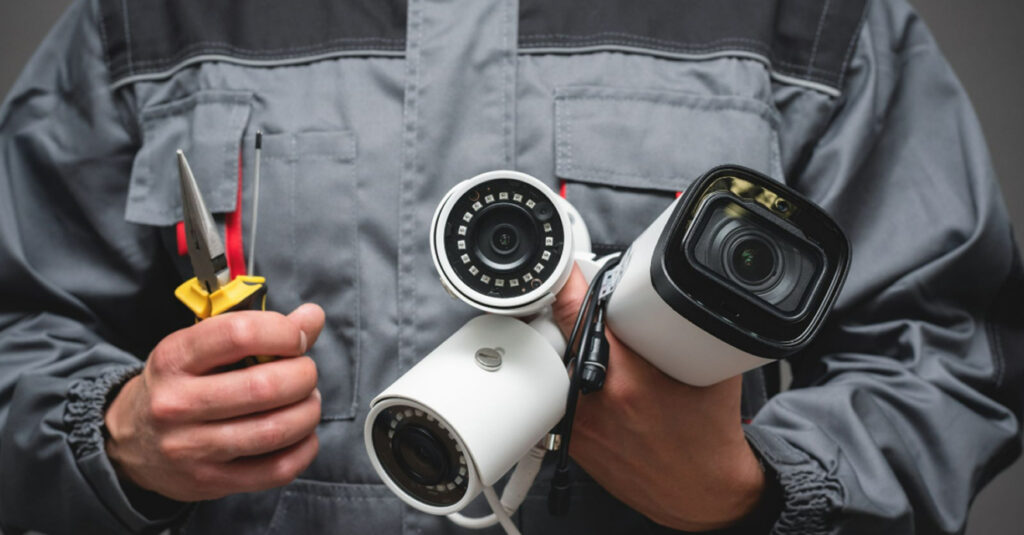
When selecting a CCTV system, focus on the practical requirements of your site rather than choosing cameras based on specifications alone.
1. Assess Your Coverage Requirements
Determine which areas need monitoring and the level of coverage required. Larger or more complex properties often benefit from a combination of camera types, such as bullet cameras for perimeter monitoring and dome or fisheye cameras for indoor spaces.
2. Evaluate Lighting Conditions
Consider how lighting changes throughout the day. Areas with low or no light may require cameras with strong infrared (IR) capabilities, while entrances and other high-contrast environments benefit from Wide Dynamic Range (WDR) technology.
3. Determine the Required Resolution
Choose a resolution that matches your monitoring objectives. Higher-resolution cameras provide clearer identification of people and vehicles but require more storage space and network bandwidth.
4. Consider the Installation Environment
Select cameras designed for their intended location. Outdoor cameras should have suitable weatherproof ratings to withstand heat, humidity, dust, and heavy rainfall, while indoor cameras can prioritise aesthetics and discreet installation.
5. Decide on Remote Access Requirements
If you need to monitor your property from another location, look for an IP-based system that supports secure remote viewing, mobile access, and cloud storage options.
6. Plan for Budget and Future Expansion
Balance upfront costs with long-term requirements. Analogue HD systems can be cost-effective for smaller installations, while IP systems offer greater scalability and easier integration with access control, analytics, and other security technologies.
7. Check Compliance and Data Requirements
Review any industry regulations or internal policies regarding camera placement, footage retention periods, and data privacy to ensure the system meets compliance requirements.
8. Consult a Professional Installer
For larger or more complex properties, a professional assessment can help optimise camera placement, storage capacity, network infrastructure, and overall system performance from the start.
Conclusion
Modern CCTV systems offer an impressive level of versatility, with different camera types, connectivity options, and specialised features designed to meet a wide range of security requirements. However, achieving effective surveillance is not simply about choosing the latest technology. It is about selecting the right combination of components and deploying them in the right locations.
That is where professional expertise makes a difference. A properly designed CCTV system delivers better coverage, stronger reliability, and greater long-term value. As a trusted security system supplier in Malaysia, we can help you design a surveillance solution tailored to your property’s unique requirements. Partner with us today to get started.
Frequently Asked Questions about Types of CCTV Systems
1. Can a CCTV system work without an internet connection?
Yes. Most DVR and NVR-based systems can record footage locally without internet access. An internet connection is only needed for remote viewing, cloud storage, or online features.
2. Are CCTV cameras always actively monitored?
No. Most CCTV systems record footage for later review rather than being watched continuously. Live monitoring is typically reserved for high-security sites or dedicated security operations.
3. How long is CCTV footage stored?
Storage duration varies based on storage capacity, camera count, and recording quality. Most systems retain footage for between 7 and 30 days before older recordings are overwritten.
4. Can CCTV cameras record audio?
Some cameras include built-in microphones and can record audio alongside video. However, audio recording may be subject to privacy and legal requirements depending on the location and application.
5. Can a single camera cover a large area?
It depends on the camera type. PTZ cameras can monitor wide areas through remote movement, while fisheye cameras provide panoramic coverage. However, larger properties typically require multiple cameras for complete coverage.
6. What is the difference between a CCTV camera and a security camera?
The terms are often used interchangeably. Technically, CCTV refers to a closed surveillance system, while “security camera” is a broader term that refers to IP cameras that connect wirelessly.